
How to add posts by account link
Add all posts from a public Instagram, TikTok, YouTube, or Facebook account at once instead of pasting individual post links. You add the accounts and pick the posts in the Upload step of the Add Content flow.
Before you start
Account-link upload supports Instagram, TikTok, YouTube, and Facebook. The account must be public, and Facebook supports public Pages only. For the accepted profile URL and handle formats on each platform, see Supported Social Platforms.
Every post you analyze counts toward your Monthly Analyzed Posts (MAPs) limit.
Add posts by account
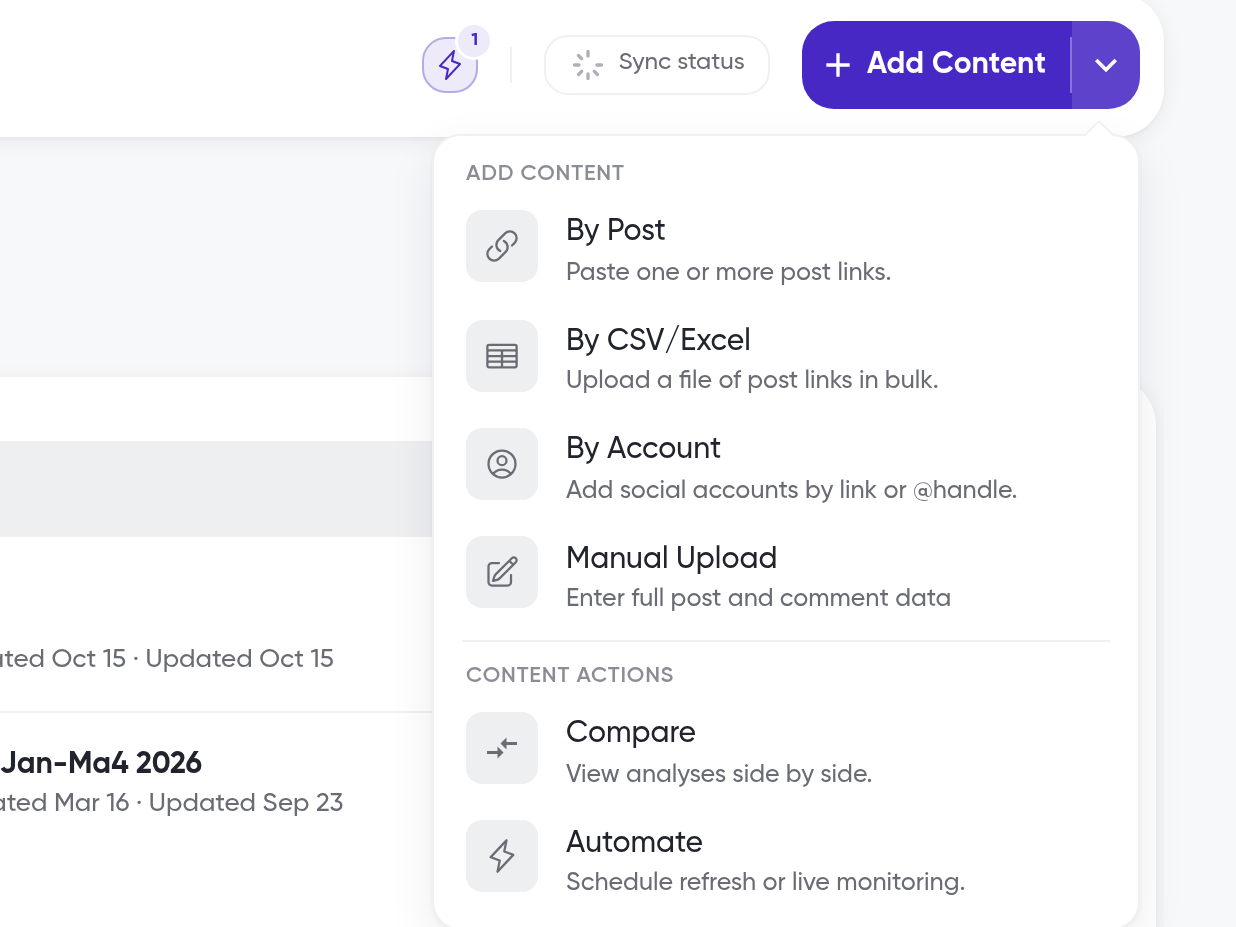
On the home page, click the arrow next to Add Content, then click By Account under Add content
This opens the Add Content flow at the Upload step. You can also click Add Content and choose By Account in the Upload step
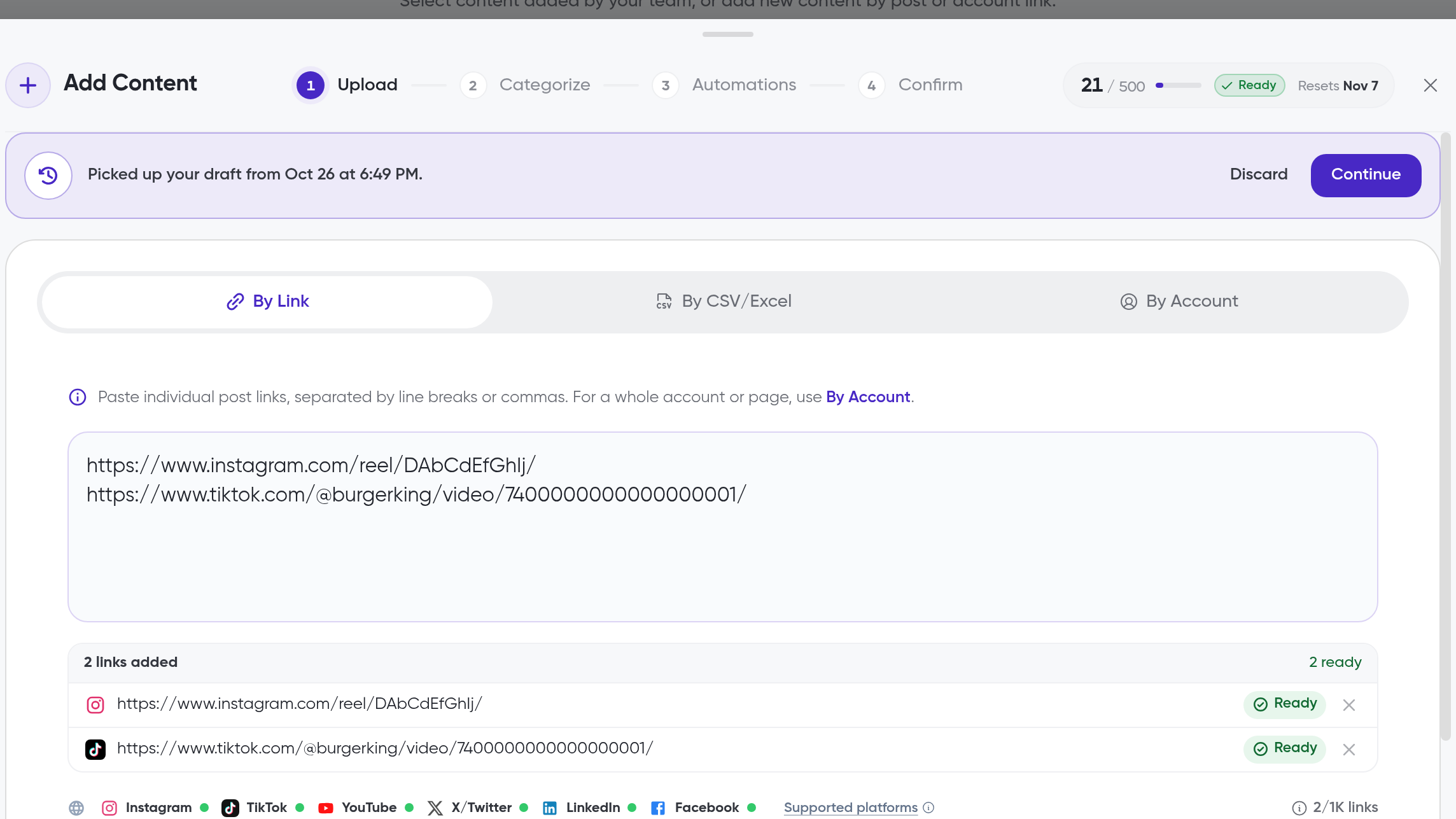
Search for the account or paste its profile link
You can add up to 5 accounts per upload
Select the posts you want to analyze
You can select up to 50 posts per upload
In the Categorize step, choose a collection for the posts
In the Automations step, optionally set up recurring syncing, such as Watch posts
For schedules and credit limits, see How to automate post syncs and monitor accounts
In the Confirm step, review your selection and start the upload
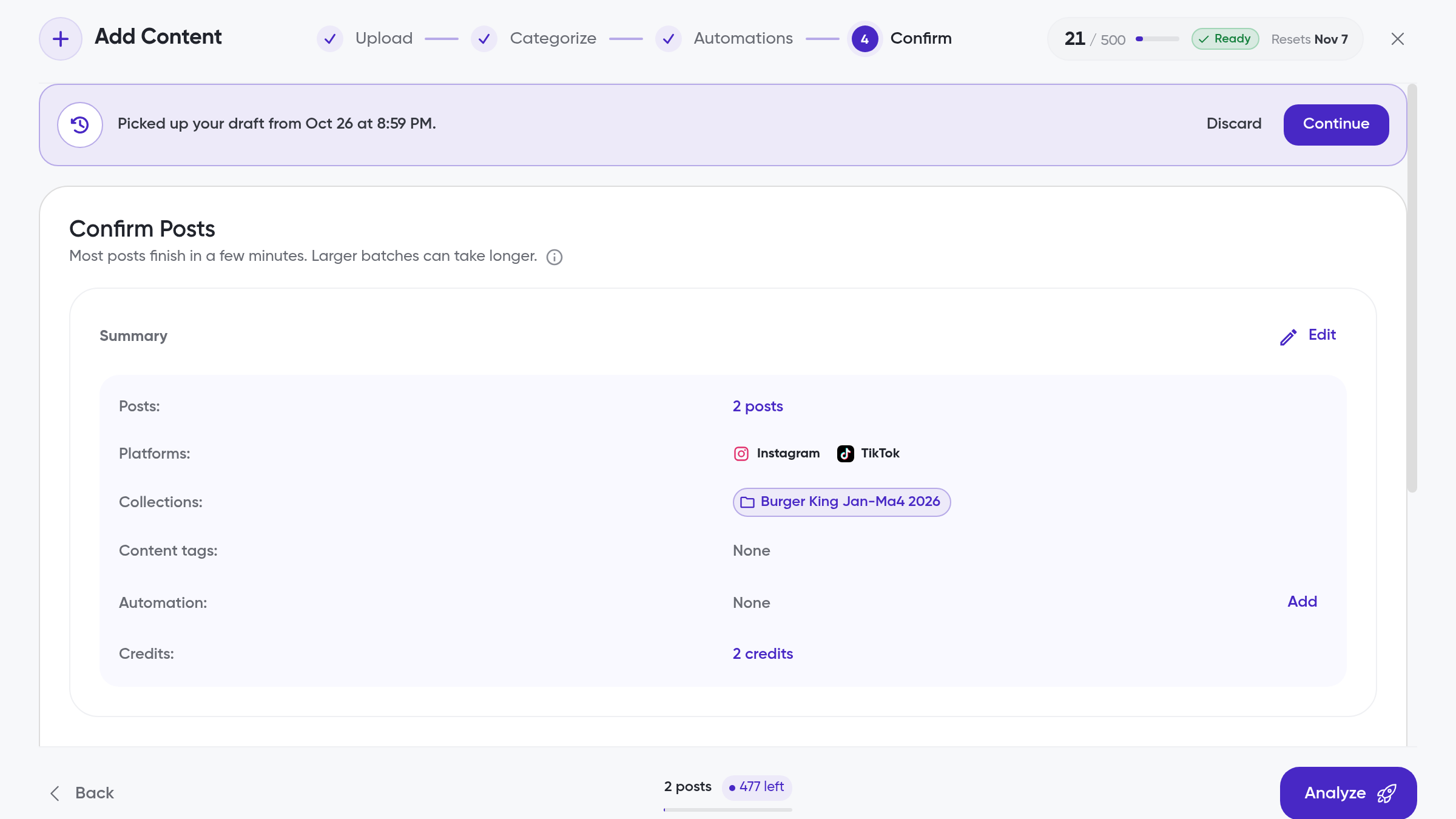
Siftsy pulls the comments and analyzes the posts. Track progress under Sync status.
Monitor an account while adding content
The Monitor button on an account's row sets up a Monitor account automation without leaving the upload flow. Monitor account checks the account on a schedule and adds its new posts automatically.
Click the arrow next to Add Content, then click By Account
Search for the account
Click Monitor on the account's row
Accounts you already monitor show Monitoring and their cadence instead
Review the prefilled Monitor account settings, then click Set Up Automation
Notes
Siftsy still analyzes at the post level. Adding posts by account only changes how you discover posts, not how they are analyzed
Private accounts cannot be accessed
What's next
Add posts one link at a time in How to add posts, or upload many at once in How to bulk add posts. To keep your analyses current, see How to automate post syncs and monitor accounts.